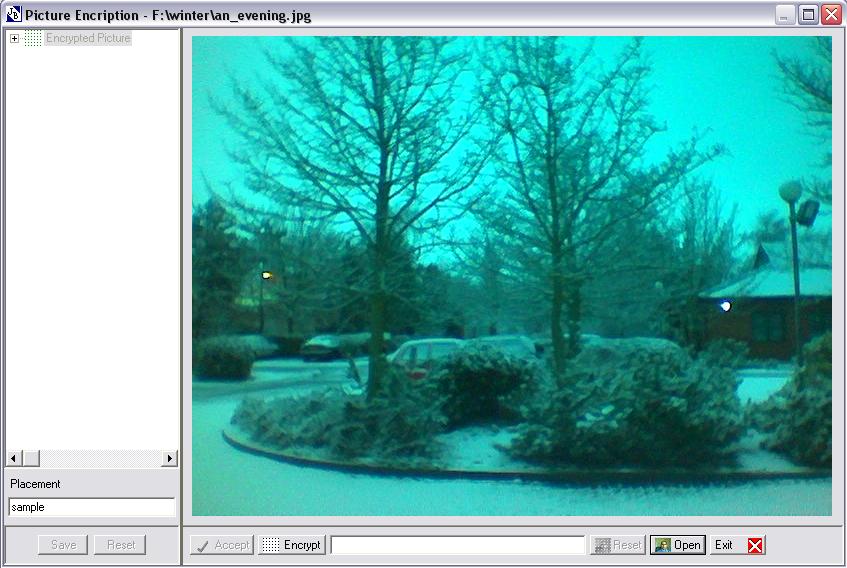
Step 4. Load an_evening.jpg in to PE Tool
using Open button.
Beginning
Picture Encryption
Tool
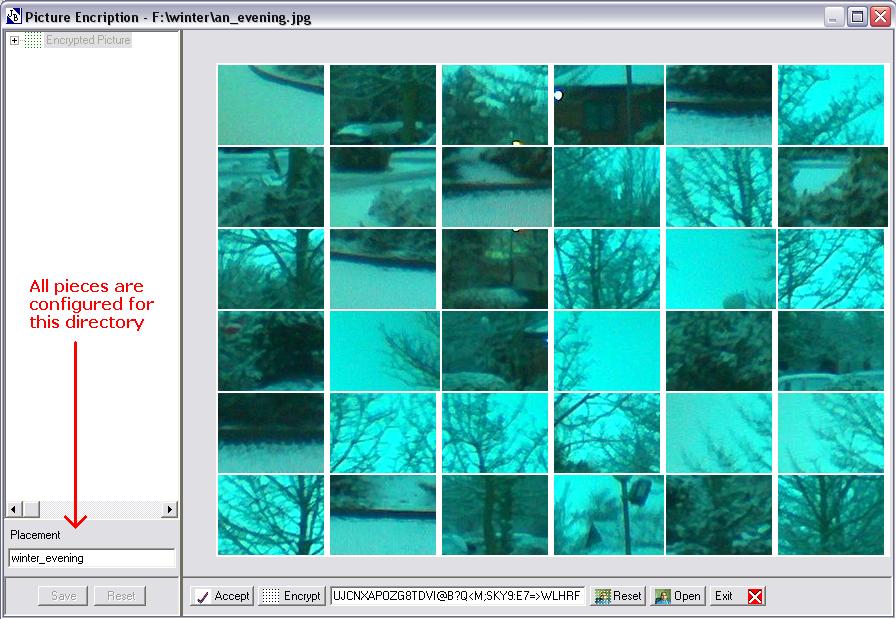
Step 5. Encrypt an_evening.jpg by pressing
Encrypt button one or more time as desired.
Step 6. After achieving satisfactory encryption, change
given name of sub-directory to the one that you like, it is under the heading of
Placement. It can be an internet address, in this case address must start
like http://www.abc.com/adir/bdir/another_dir
Step 7. Press Accept button to accept the encryption.