Where to place picture
pieces
Step 8. At the time of acceptance of encryption, all the
pieces are configured to be placed in one sub-directory as mentioned in the
Placement name. If the address is of internet then sub-directory name will be
OnInternet.
Step 9. Placement of all pieces or a row of six pieces or any of the thirty six pieces can be achieved by selecting appropriate piece or pieces and changing the text written under the heading Placement.
Picture Encryption
Tool
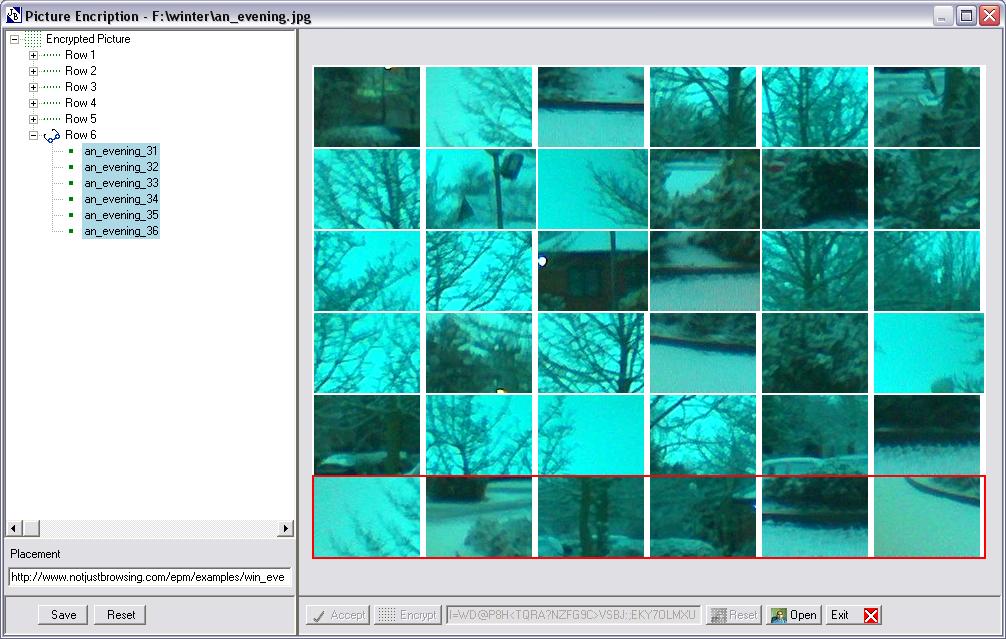
Step 10. Once satisfied with the placement of picture
pieces, press Save button. All thiry six pieces will be placed
in either named directories for each piece or if they are to be placed on the
internet then OnInternet directory.
There will be a text file (named after the picture file) with detailed information, a .ks file (named at the time of Save) and specified directories with thirty six pieces of picture.
