Favourable
pre-settings
Create a directory in your file system and place the picture file that you
want to encrypt. For example, there is a picture named pic0001378.jpg that
you want to encrypt.
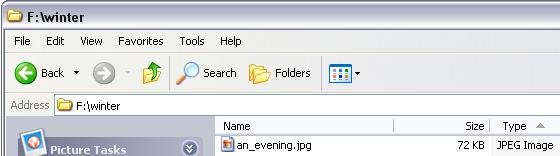
Step 1. Create a directory F:\winter, for example.
Step 2. Copy pic0001378.jpg in to F:\winter
Step 3. Rename pic0001378.jpg to a user friendly name like an_evening.jpg
Picture Encryption
Tool
