
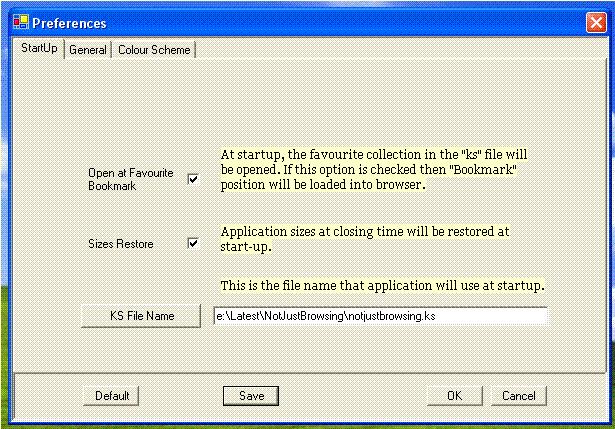
Startup is as important as normal
browsing. If "Open at Favourite Bookmark" option is checked then whatever
favourite collection is in the start-up "KS" file, it will be opened in Study
Place and if there is any bookmark in this favourite collection then it will be
browsed automatically.
Note that this bookmark of favourite collection is recognized as in NotJustBrowsing.
Also note that a favourite collection in the Shelf has a different coloured background.

Be careful in selecting the
start-up KS file name. Make sure that it is a tried and tested
file.
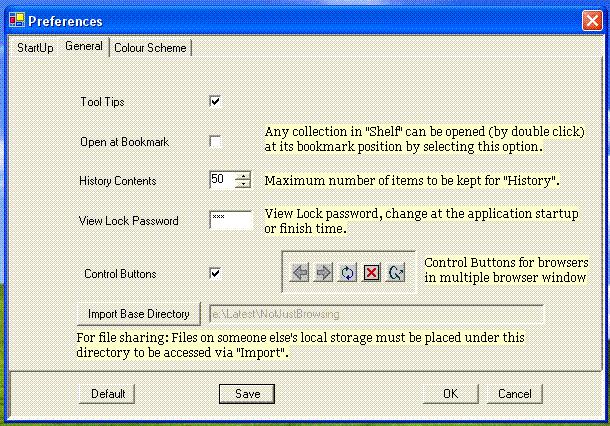
Initially "Import Base Directory"
is the "Current Directory" of the application. Importing will be discussed in
detail in "How To" section.
